LaTeX in the rich editor
It turns out that the rich editor doesn’t really like it when you type mathematics in directly. Instead, we can use the  to access the \sqrt{x} Insert Math menu item:
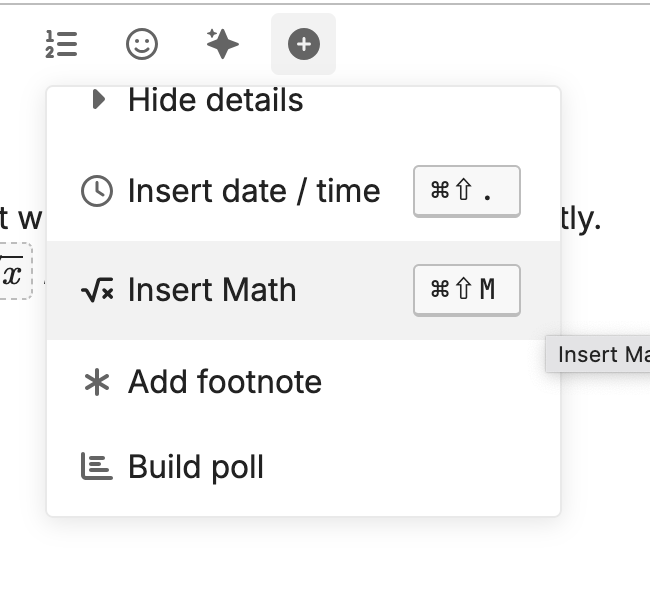
You might need to scroll down a bit to find the Insert Math menu item. Once you do so, though, a separate modal window should pop up where you can type in the math. You do not need the dollar signs; the modal will insert them for you. There’s a switch that allows you to specify block mode for displayed equation or not for inline.
The whole thing looks like so:
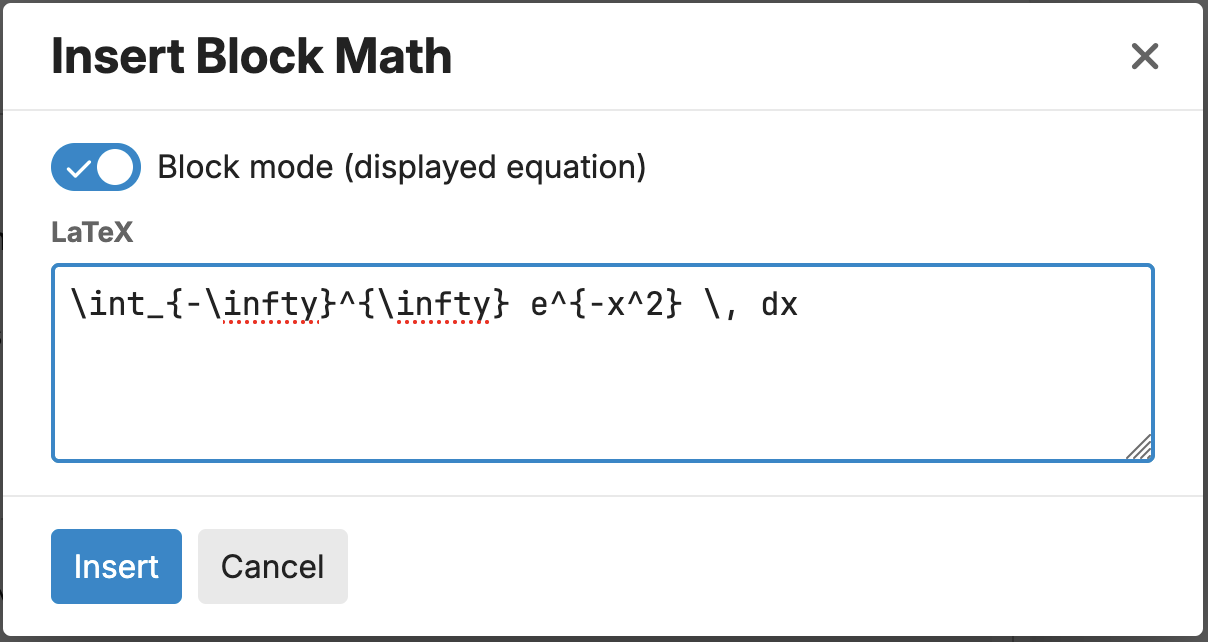
\int_{-\infty}^{\infty} e^{-x^2} \, dx
The modal does not currently have a proofread button. You can proofread the whole post, once you’ve got and the proofreader will process the mathematics, as well.